

The ey21 is a name that many book lovers know very well. It is the model number for the very first Amazon Kindle Paperwhite. When it first came out, it changed how we read books forever. Even today, many people still look for the ey21 on used gear websites. It was built to last and offers a simple way to enjoy stories without any distractions.
If you find an ey21 today, you might wonder if it still works. The good news is that these devices are very tough. They were made with a focus on quality. While newer Kindles are faster, the ey21 still has that classic feel that many readers crave. In this guide, we will look at the features, the screen, and how to keep yours running perfectly.
Understanding the Build Quality of the EY21
The ey21 was the first Kindle to feature a built-in light. This was a huge deal at the time! Before this model, you had to use a lamp or a clip-on light to read in the dark. The ey21 changed that by putting LEDs inside the bezel. The light shines across the screen instead of into your eyes. This makes it very easy to read for hours without getting a headache.
The body of the ey21 is made of a soft-touch plastic. It feels very nice in your hand and is not slippery. Even though it is an older model, it does not feel “cheap.” It has a bit of weight to it, which makes it feel like a real book. Many fans of the ey21 say they prefer this older design over the newer, thinner models because it is easier to grip.
How the EY21 Screen Compares Today
The screen on the ey21 uses E-Ink technology. This means it looks like real paper and ink. It has a pixel density of 212 PPI. Modern Kindles have 300 PPI, so they are a bit sharper. However, for most people reading regular text, the ey21 still looks great. The letters are dark and the background is a light grey color.
Reading on an ey21 is much better for your eyes than a phone. Since it does not use a bright backlight, your eyes do not get tired. You can even read the ey21 in direct sunlight! In fact, the brighter the sun is, the better the screen looks. This is why the ey21 is still a top choice for people who love to read at the beach or in the park.
Battery Life and Charging Tips
One of the best things about the ey21 is the battery. On a single charge, it can last for weeks. This is because the screen only uses power when you turn a page. If you are a fast reader, you might need to charge your ey21 once every two or three weeks. This is much better than a tablet that dies in one day!
To keep your ey21 battery healthy, try not to let it reach 0%. It uses a standard micro-USB cable for charging. You can plug it into your computer or a wall outlet. Because the ey21 is an older device, it might take a little longer to charge than a new phone, but the wait is worth it for weeks of reading time.
Detailed Specifications Table
| Feature | Specification for Model EY21 |
| Model Name | Kindle Paperwhite (1st Generation) |
| Display Size | 6-inch E-Ink Pearl |
| Resolution | 1024 x 758 (212 PPI) |
| Storage | 2 GB (Holds ~1,100 books) |
| Connectivity | Wi-Fi or 3G (Select models) |
| Battery Life | Up to 8 weeks (based on 30 mins/day) |
| Weight | 7.5 ounces (213 grams) |
| Charging Port | Micro-USB |
Managing Storage on Your Device
The ey21 comes with 2 GB of storage. That might sound small today, but for books, it is plenty! You can store over 1,000 books on a single ey21. Most digital books are very small files. Unless you are trying to load thousands of heavy PDF files, you will likely never run out of space on your device.
If you do fill up your ey21, Amazon provides free cloud storage. You can delete a book from your device to make room and then download it again later. This keeps your ey21 running fast. Having too many files can sometimes make the menus feel a bit slow, so keeping only your current “To-Read” list on the device is a smart move.
Software Updates and Support
Since the ey21 is an older model, Amazon does not release new features for it anymore. However, it still gets important security updates. You can still connect your ey21 to the Kindle Store to buy new books. It also syncs with your other devices. If you read a page on your phone, your ey21 will know exactly where you left off.

Some users find that the ey21 web browser is very slow. This is normal! The browser was only meant for simple tasks. For the best experience, use your computer to buy books and then let them sync to your ey21 over Wi-Fi. This keeps the experience smooth and keeps you focused on your reading.
Connecting to Wi-Fi and Troubleshooting
Connecting your ey21 to the internet is usually very simple. You just go to the settings and find your home network. If you have trouble, make sure your router is using a 2.4GHz signal. Some very new 5GHz routers can be tricky for older devices like the ey21. Restating your device often fixes any small glitches.
If your ey21 ever feels “stuck,” you can perform a hard reset. Just hold the power button down for 40 seconds. The screen will flash, and the device will restart. This is a great trick to know if your ey21 starts acting slow. It cleans up the temporary files and makes everything snappy again.
Finding the Best Cases for the EY21
Because the ey21 was so popular, there are still many cases available for it. A good case will protect the screen from scratches. Some cases even have a “sleep” feature. When you close the cover, the ey21 turns off automatically. When you open it, your book is right there waiting for you.
When shopping for a case, make sure it says “1st Generation Paperwhite” or mentions model ey21. Newer Kindle cases are shaped differently and will not fit. Many people like the leather covers because they make the ey21 feel like a high-end notebook. It adds a touch of class to your reading routine.
Is the EY21 Still Worth Buying?
You might be asking if you should buy an ey21 today. If you want a cheap, reliable way to read, the answer is yes. You can often find a used ey21 for a very low price. It is perfect for kids, students, or anyone who wants to avoid screen glare. It is a simple tool that does one thing perfectly.
The ey21 is also great for travel. You don’t have to worry about it as much as an expensive new tablet. If you lose it or it gets a scratch, it isn’t a disaster. For many, the ey21 represents the peak of “distraction-free” reading. No notifications, no emails—just you and your favorite story.
Caring for Your E-Ink Display
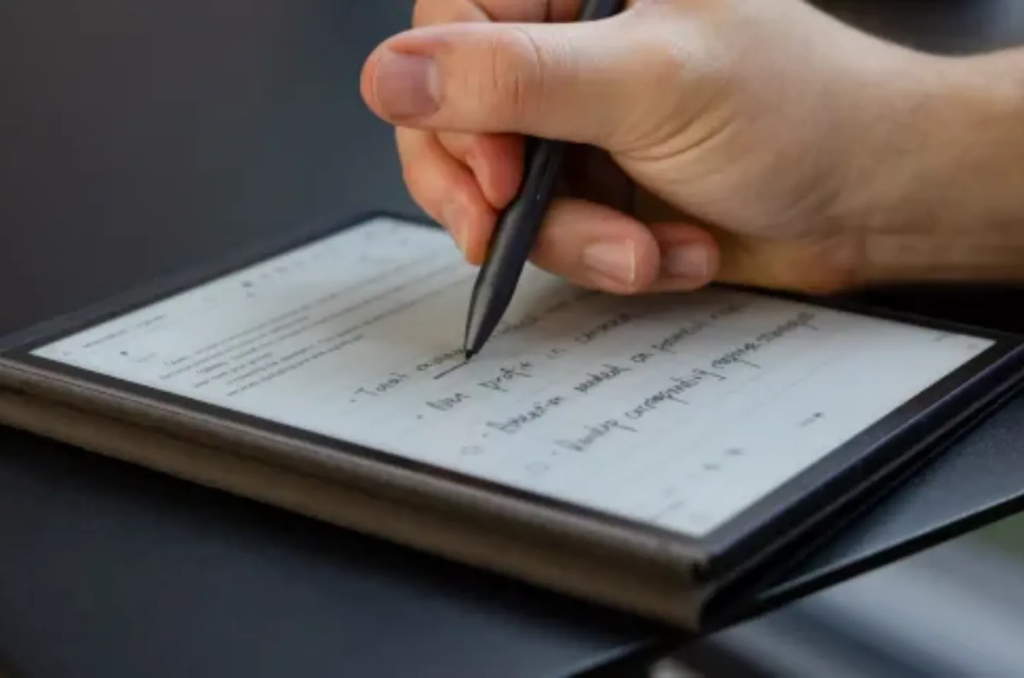
The screen of the ey21 is its most important part. To keep it clean, use a soft cloth. Do not use harsh chemicals or window cleaners. A tiny bit of water on a microfiber cloth is all you need. Since the ey21 is not waterproof, be careful when reading near the pool or in the bath.
Avoid putting heavy objects on top of your ey21. E-Ink screens are made of thin layers that can crack if pressed too hard. If you take care of the screen, your ey21 will serve you for many more years. It is a classic piece of tech that was truly built to stand the test of time.
Frequently Asked Questions
Does the ey21 have a touchscreen? Yes, the ey21 was one of the first Kindles to use a multi-touch screen. You can tap to turn pages or pinch to change the font size.
Can I listen to audiobooks on this model? The ey21 does not have speakers or a headphone jack. It is designed strictly for reading text-based books and documents.
What kind of charger does it use? The ey21 uses a standard Micro-USB cable. This is the same cable used by many older Android phones and small electronics.
Is the screen on the ey21 glass or plastic? It is a matte plastic screen. This helps prevent glare from the sun, making the ey21 very easy to read outdoors.
Can I read PDFs on my device? Yes, the ey21 can open PDF files. However, because the screen is 6 inches, some PDFs with small text might be hard to read.
How do I find my model number? You can find the “EY21” text printed in small letters on the back of the device near the bottom.
Conclusion
The ey21 remains a fantastic choice for anyone who loves books. It proved that technology doesn’t have to be complicated to be great. With its long battery life and easy-on-the-eyes screen, it is a champion of the e-reader world. If you own one, cherish it! If you are looking for one, you are in for a treat. Happy reading!


